If you’ve been running Facebook ads lately, you’ve probably noticed something frustrating: the numbers don’t add up. You spend, you get clicks, but the conversions reported in Ads Manager look suspiciously low. That leaves advertisers, businesses, and streamers wondering: How can you still rely on Facebook conversion tracking when the old methods no longer work?
The culprit? Cookies. By 2025, cookies are crumbling fast. Blocked by browsers, restricted by privacy laws, and dodged by users.
But many people don’t know that you don’t need cookies to understand your Facebook ads conversion performance. With tools like the Conversions API (CAPI), first-party data collection, and server-side tracking, you can still capture accurate insights (all while staying compliant with GDPR, CCPA, and user expectations).
And here’s where it matters for creators: tracking conversions isn’t just for agencies. If you’re running ads to grow your brand or streaming business, platforms like OneStream Live show how real-time analytics drive smarter campaigns.
This guide will show you exactly how to do that.
Why Cookie Tracking Fails?
For years, cookies were the backbone of Facebook ad tracking. They followed users across websites, logging actions like purchases or sign-ups.
But in 2025, relying on them is like trying to measure your audience with a broken ruler that is unreliable and incomplete. Here’s why:
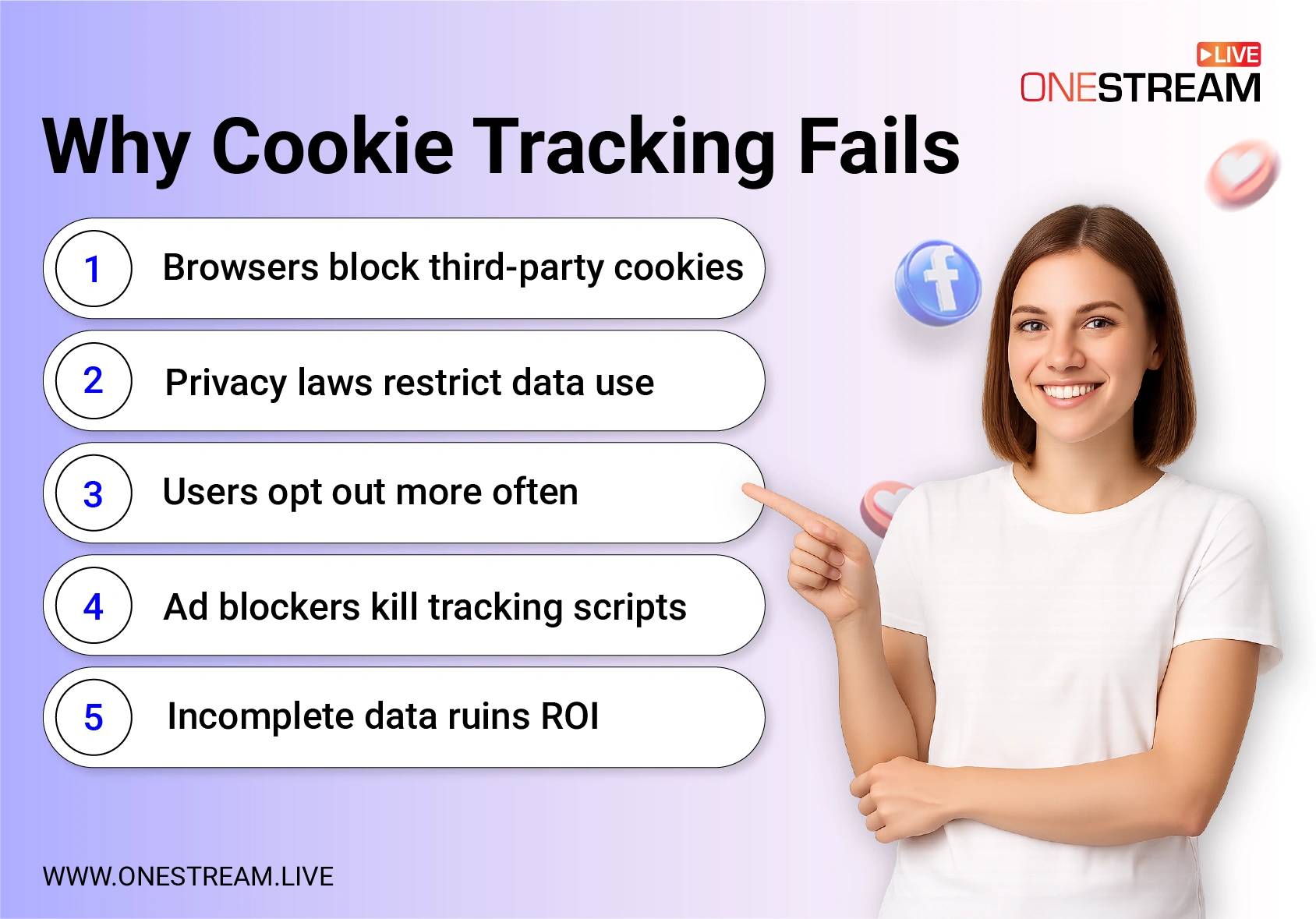
1. Browsers Block Third-Party Cookies
Google Chrome, Safari, and Firefox all restrict third-party cookies. This means that even if your Facebook Ads conversion tracking pixel is set up, the browser may block it before it reports the data.
2. Privacy Laws Restrict Data Use
Frameworks like GDPR in Europe and CCPA in California demand explicit user consent. Without it, your cookie data becomes unusable.
This makes conversion tracking in digital marketing harder if you’re relying solely on browser scripts.
Discover The Best GDPR-Compliant Google Analytics Alternative for SaaS Creators in 2025
3. Users Opt Out More Often
People are more privacy-savvy than ever. They decline tracking prompts, disable cookies, or browse in incognito mode. That leaves major gaps in Facebook Ads conversion tracking.
4. Ad Blockers Kill Tracking Scripts
Popular ad-blocking extensions directly stop cookie-based scripts from firing. That means your Facebook ad conversion tracking may show far fewer conversions than you’re actually generating.
5. Incomplete Data Ruins ROI
When cookies fail, you lose visibility into what’s working. Ads that are driving sales may look unprofitable, while underperforming campaigns may get more budget than they deserve. Without accurate conversion tracking of Facebook ads, you risk wasting ad spend.
“If you’re not collecting data beyond cookies, you’re flying blind. Attribution gaps are costing advertisers millions.” — Marketing Land, 2024
Server-Side Tracking & Conversions API
Beginners often wonder how to track Facebook conversions without cookies. The Conversions API provides the most reliable answer, linking your server data directly to Ads Manager.
When cookies stop pulling their weight, server-side tracking steps up. Instead of relying on browsers to collect data, your website or app sends information directly to Facebook.
This is where the Conversions API (CAPI) comes in.
What Is the Conversions API?
The Facebook conversion tracking pixel still exists, but it’s no longer enough on its own. The Conversions API connects your server to Facebook’s servers, sending secure, reliable data about conversion events such as purchases, sign-ups, or downloads. Because it bypasses browsers, it avoids the pitfalls of ad blockers and cookie restrictions.
“CAPI is now a must-have. It delivers higher accuracy and deeper insights than relying on the pixel alone.” — Andrew Foxwell, Facebook Ads Strategist (Foxwell Digital)
Benefits of Server-Side Tracking
- Accuracy: Capture more conversions, even when users block cookies.
- Privacy Compliance: You control what data is shared, aligning with GDPR and CCPA.
- Cross-Device Coverage: If someone clicks on mobile but buys on desktop, it still counts as one Facebook Ads conversion.
- ROI Clarity: You’ll see a more realistic view of your Facebook ads conversion rate, so you can spend smarter.
How to Set Up CAPI for Facebook Conversion Tracking
- Go to Facebook Events Manager → Data Sources.
- Choose the Conversions API option.
- Connect your server (directly or via a partner integration like Shopify, WordPress, or Zapier).
- Test a simple conversion event Facebook setup, like a newsletter sign-up.
- Monitor results in Ads Manager.
Even if you’re not a developer, many integrations make CAPI setup straightforward. And just like OneStream Live makes streaming accessible without coding, CAPI makes Facebook ad conversion tracking possible without relying on outdated browser cookies.

Using First-Party Data for Reliable Insights
If cookies are crumbling, what takes their place? The answer is first-party data.
This is the information your audience shares directly with you. In 2025, this is the backbone of accurate conversion tracking of Facebook ads.
Why First-Party Data Matters for Facebook Conversion Tracking
- Trust and Compliance: Since users opt in, it aligns with GDPR and CCPA.
- Accuracy: Unlike cookies, it isn’t blocked or deleted.
- Flexibility: You can connect it to your CRM, email platform, or directly into Ads Manager for stronger Facebook Ads conversion tracking.
Examples of First-Party Data
- Email sign-ups from a newsletter form
- Purchases and checkouts from your e-commerce site
- Registrations for webinars or live streaming broadcasting events
- Logins on mobile or desktop apps
“The companies winning with ads in 2025 are the ones investing in first-party data collection. It’s a trust-based exchange that powers better targeting and reporting.” — HubSpot 2024 State of Marketing Report (HubSpot).
How It Boosts Conversion Tracking
When you sync first-party data with Facebook via CAPI, you can:
- Match offline actions like in-store sales to Facebook ads events
- Track Facebook ad conversion more reliably
- Create lookalike audiences based on verified users instead of cookie trails
For streamers, this can be as simple as capturing emails during OneStream Live events, then feeding that data into Facebook to track ad-driven sign-ups. As a result, you will enjoy more complete visibility into Facebook conversion events and better campaign ROI.
Advanced Practices for 2025 Facebook Conversion Tracking
Once you’ve nailed the basics of server-side tracking, CAPI, and first-party data, you can push your conversion tracking of Facebook ads further with advanced tactics. These methods are especially useful for businesses, agencies, and streamers who want to maximize every dollar of ad spend.
1. Offline Conversion Tracking
Not all conversions happen online. If someone sees your ad, then buys in-store or books by phone, that’s still valuable.
With Facebook Ads conversion tracking, you can upload offline events (from a CRM, POS system, or even spreadsheets) into Ads Manager to connect real-world sales to campaigns.
2. Probabilistic Modeling
With cookie signals gone, probabilistic models use aggregated data, device signals, and patterns to estimate Facebook Ad conversion rates. While not as exact as deterministic tracking, these models fill gaps left by missing data and give you directional accuracy.
3. Hybrid Tracking Setups
The strongest advertisers don’t rely on just one method. Instead, they combine:
- Pixel conversion tracking for real-time insights
- Server-side Conversions API for reliability
- First-party data for compliance and accuracy
If you’re promoting a OneStream Live event, for example, hybrid tracking ensures you can see the full impact. You’ll know whether a Facebook Ads conversion was a webinar sign-up, a paid ticket, or a merch purchase, even if users switched devices along the way.
FAQs about Facebook Conversion Tracking
A conversion is an action a user takes after interacting with your ad, like a purchase, sign-up, or app install. Facebook conversion tracking measures these actions to show campaign effectiveness.
Conversion tracking in digital marketing is the process of recording user actions after ad interactions. It helps advertisers understand ROI and optimize campaigns.
It helps measure how ads influence valuable actions such as purchases, leads, or downloads. This insight shows which keywords or campaigns drive the most impact.
Another common term for ad tracking is “pixel conversion tracking,” referring to the use of tracking pixels like the Facebook conversion tracking pixel to monitor campaign results.
You can track sales by connecting your e-commerce platform with Ads Manager or using server-side tracking tools. This shows revenue tied directly to Facebook Ads conversion campaigns.
In Ads Manager, add the “Purchases” and “Value” columns to see revenue. Pairing first-party data with Facebook conversion events gives the most accurate results.
The first step is installing the Facebook tracking pixel (or upgrading to CAPI). Once installed, you define your conversion events in Events Manager.
Wrap Up
By 2025, cookies will be fading into history. But that doesn’t mean your campaigns have to suffer. With tools like Conversions API, server-side methods, and first-party data strategies, Facebook conversion tracking is more accurate and privacy-friendly than ever.
The big takeaway? Shift from outdated cookie reliance to a mix of first-party insights, APIs, and predictive models. For creators and businesses, this means clearer ROI, smarter ad spend, and a stronger connection between your ads and actual conversions.
And remember, platforms like OneStream Live show that the right tools simplify everything. Just as OneStream Live removes the complexity from broadcasting, modern tracking tools remove any doubts from your ad performance.
OneStream Live is a cloud-based live streaming solution to create, schedule, and multistream professional-looking live streams across 45+ social media platforms and the web simultaneously. For content-related queries and feedback, write to us at [email protected]. You’re also welcome to Write for Us!